1. Think critically about AI
Write clearer prompts, compare answers, check claims against evidence and protect personal information.
02 / LEARN
At our Hennopspark, Centurion facility, Grades 1–12+ learn in small, hands-on weekly after-school and extra-mural programming, AI, robotics and Maker Lab groups. There is room to experiment, build, fix what went wrong and discover what they can do next.
Start with computer science, build interactive projects in JavaScript in Grade 5, then learn to direct and verify AI in Grade 6. From this shared foundation, learners can follow two directions.
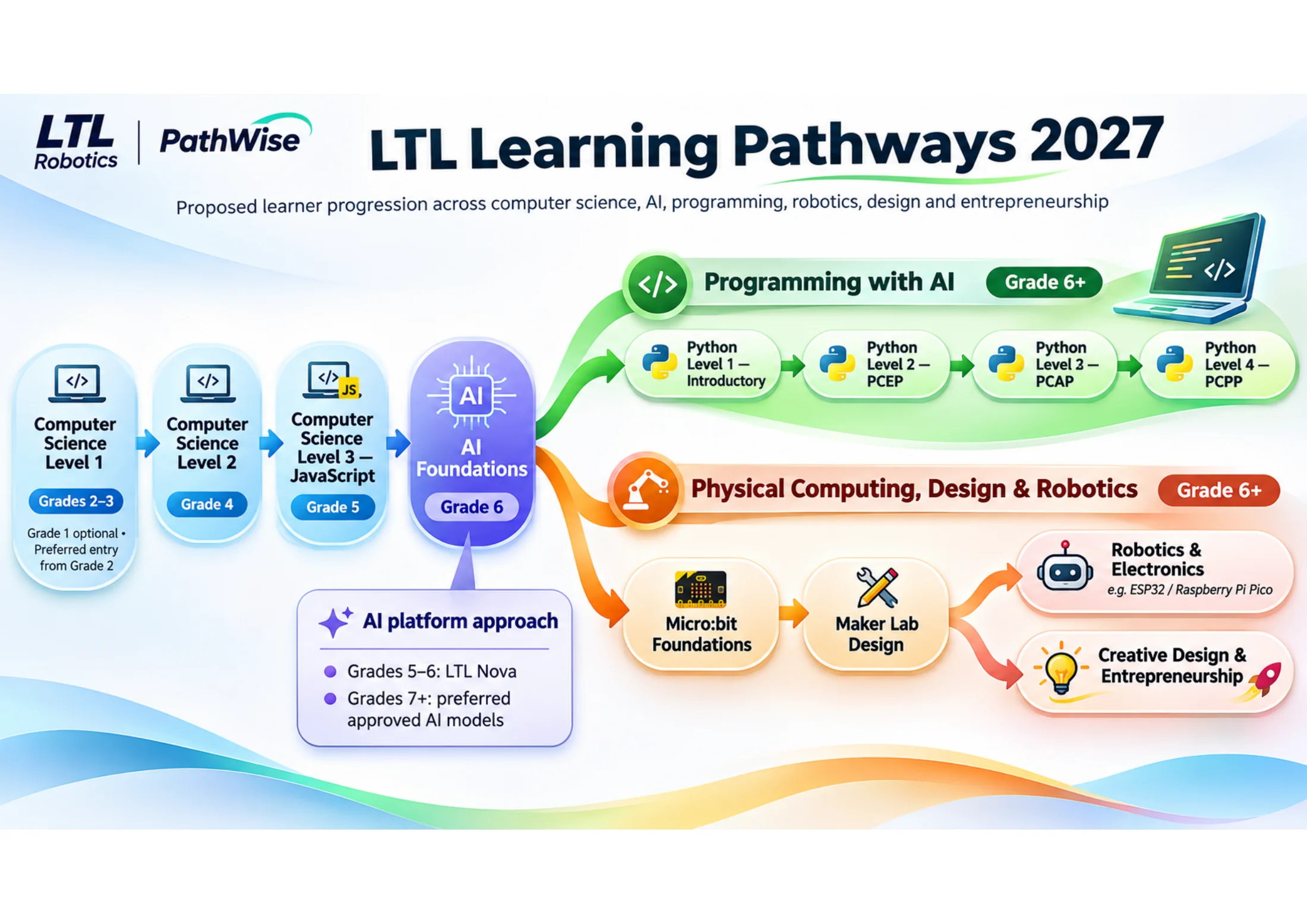
Programming with AI. Progress from introductory Python towards PCEP, PCAP and PCPP. Learners write and test code and explain how they checked AI suggestions.
Physical Computing, Design & Robotics. Work from micro:bit Foundations into Maker Lab Design. Continue towards robotics and electronics, including ESP32 or Raspberry Pi Pico, or explore creative design and entrepreneurship.
The map shows proposed progression. View current registration options for available classes.
New for 2027 · Year 1 · Grade 6, 7 or 8
Understand AI. Use it wisely. Learners practise directing AI, checking its work and applying it responsibly in schoolwork and hands-on projects.
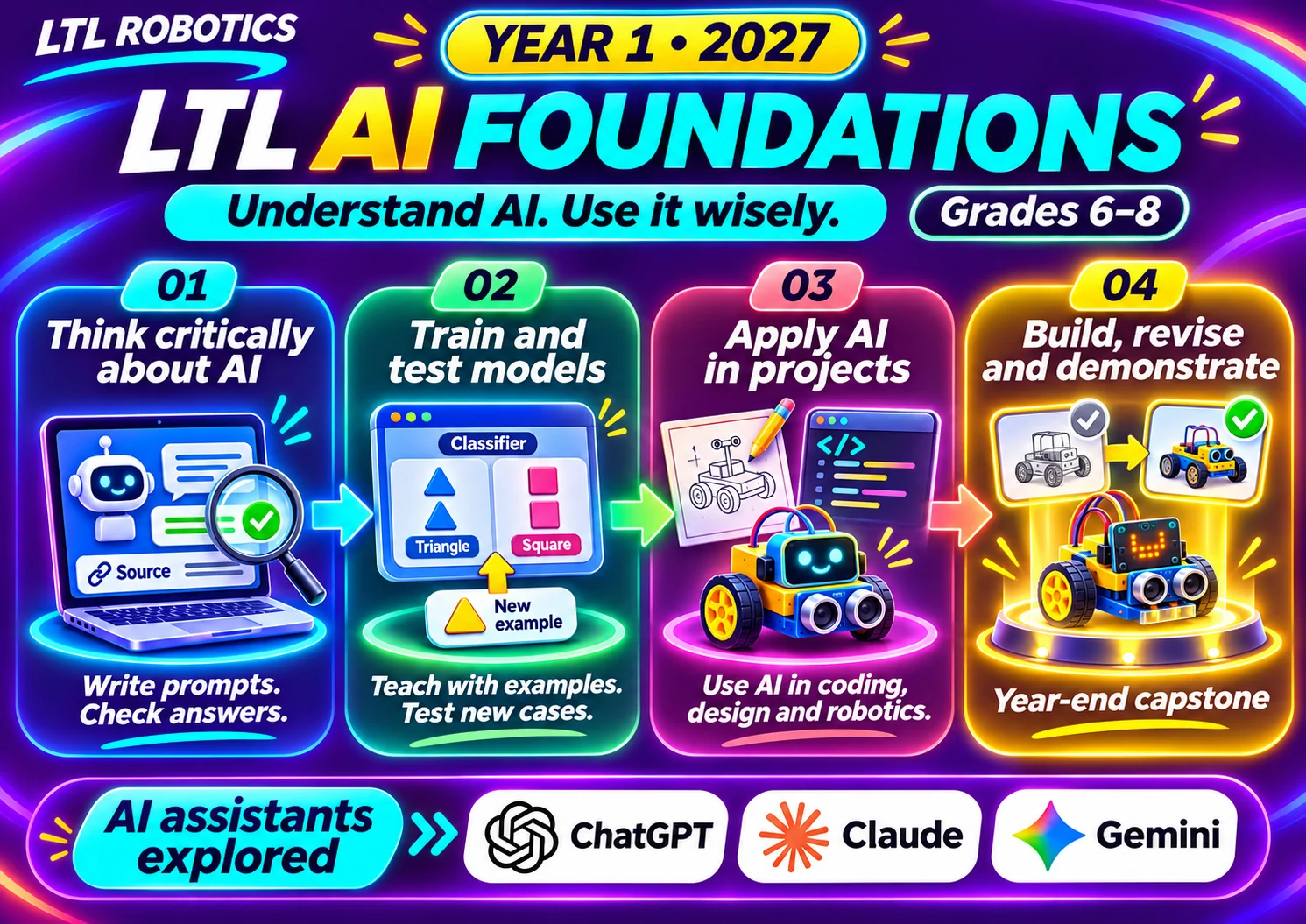
Write clearer prompts, compare answers, check claims against evidence and protect personal information.
Train a simple classifier, test it on unfamiliar examples and see which changes improve its predictions.
Use AI in coding, design and robotics, then check its suggestions with tests, measurements or user feedback.
Create a year-end project and show what AI contributed, how you checked it and what you changed.
AI Foundations begins in 2027. LTL Applied AI is the proposed follow-on from 2028. Year 2 focuses on exploring and prototyping. Year 3 focuses on connecting tools and testing solutions.
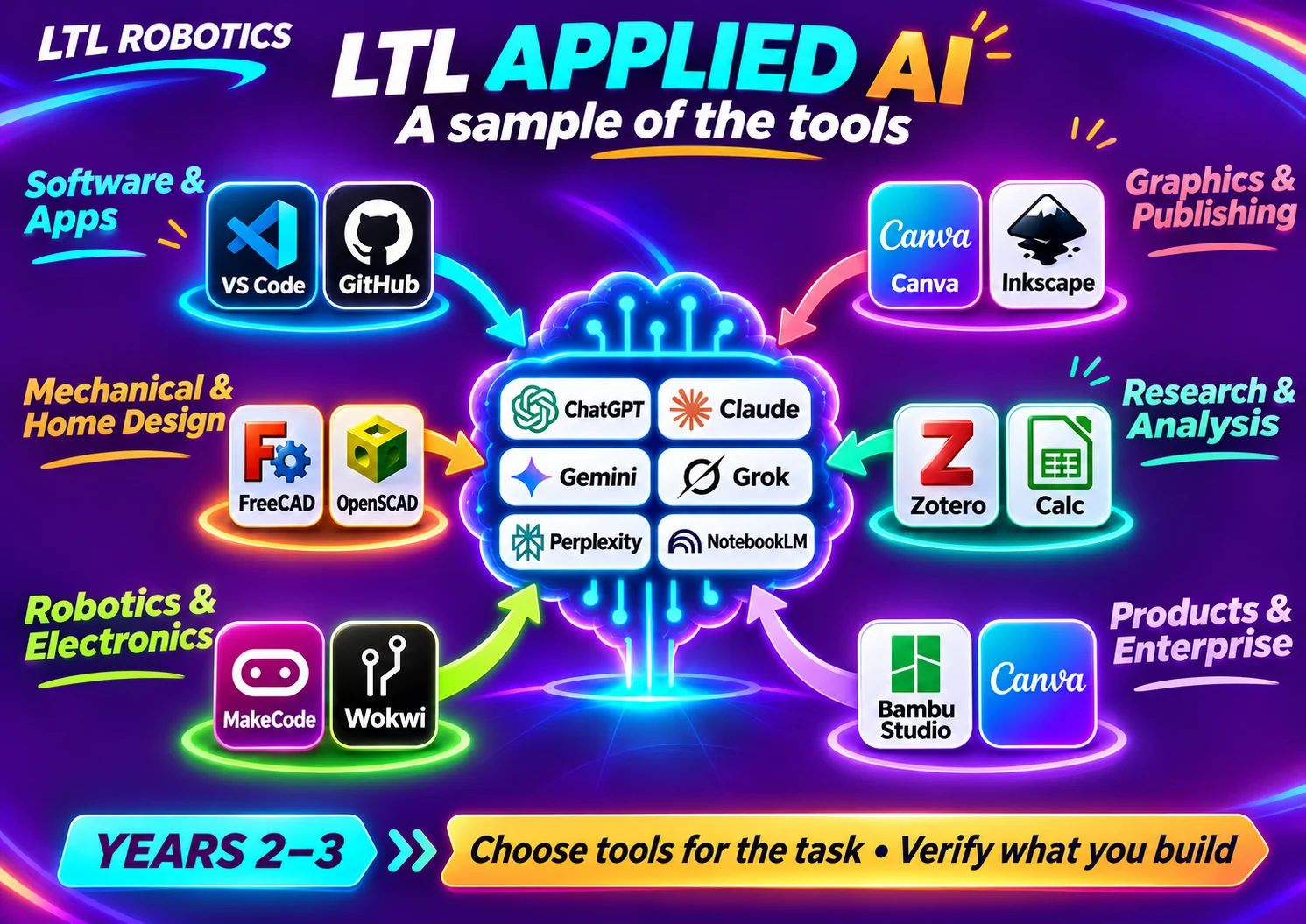
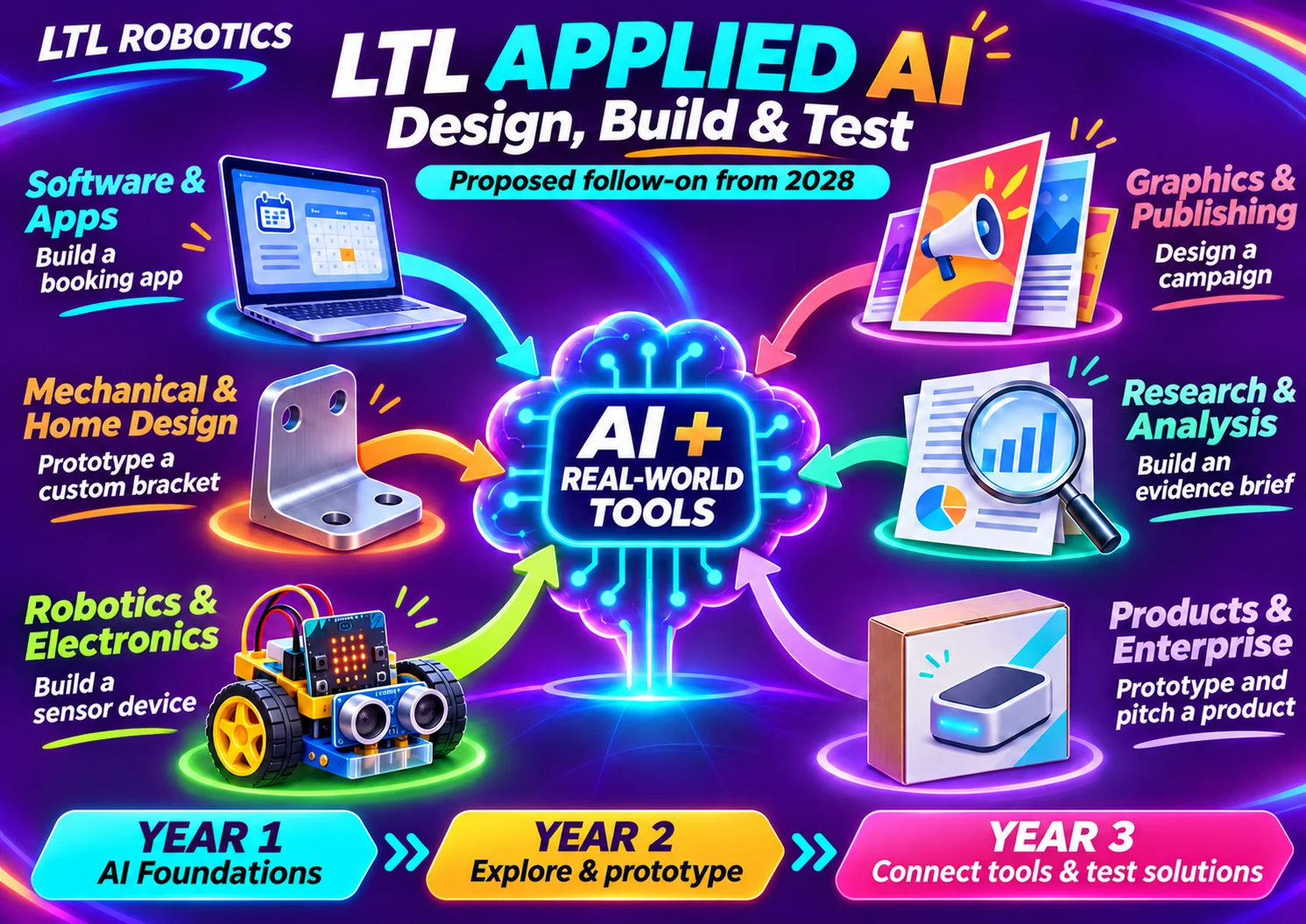

Real tools. Real projects. The freedom to experiment.
Explore. Solve. Make something move.

Web pages. Games. Interactive ideas.

Build. Connect. Test. Create value.

 HTML5Web
 CSS3Style
 JavaScriptGames + apps
 PythonGrade 7+
 MicroPythonRobotics
 Google ColabNotebooks
 GitHubGrade 8+
 SupabaseCloud data
ONLINE LEARNING / HOMESCHOOL COMMUNITY
LTL also supports homeschool families and learners who need a flexible online option. Live online classes keep the same emphasis on progression, practical work, conversation and building real capability — while allowing learners to join from home.
Learners join scheduled online sessions with a teacher, ask questions, share screens, work through challenges and receive guidance as they build.
Online learning can follow suitable programming pathways from coding foundations into JavaScript, AI Foundations, Python and certification preparation.
Homeschool learners can develop alongside other young people with similar interests while keeping the flexibility that makes home education work for their family.
LTL LEARNING PATHWAYS
They can stand alone or increasingly overlap as learners grow. Programming builds the language of logic and software. Robotics uses code, mechanics and sensing to create controlled and autonomous systems. Maker Lab broadens the making toolkit into fabrication, products and enterprise.
Explore the AI learning pathway ↑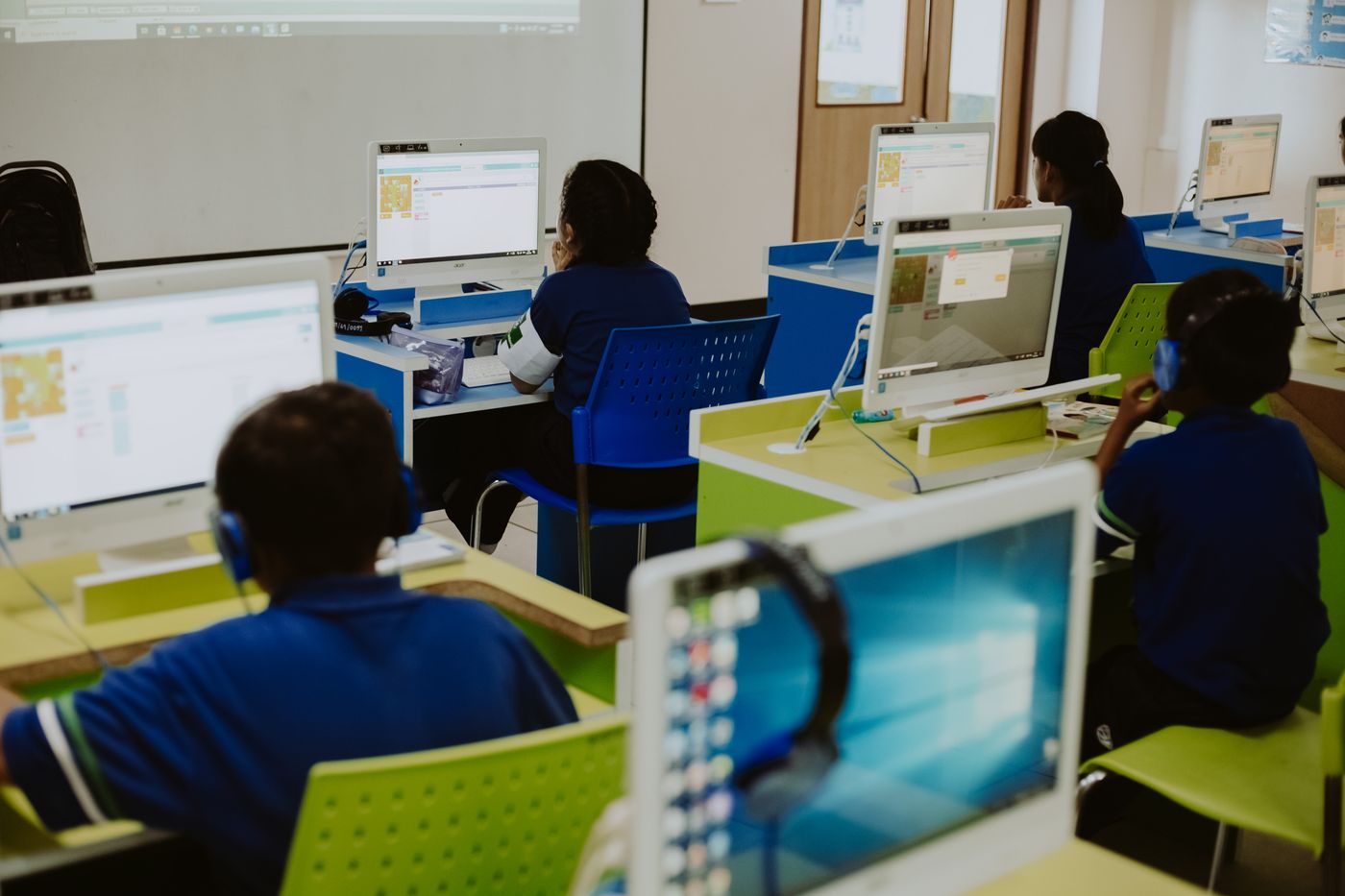 01
Computer science and JavaScript lead into AI Foundations. The Programming with AI branch progresses from introductory Python towards PCEP, PCAP and PCPP.
Explore this pathway ↓PROGRAMMING / GRADES 1 TO 12+
The journey begins with computational thinking and visual coding, then progressively opens into JavaScript, AI Foundations, Python and certification pathways. The destination is not simply knowing a language — it is being able to design and build a working software solution.

Open the full parent and stakeholder showcase for the complete progression, learner outcomes and technology platform.
Explore sequences, events and loops through visual coding. Grade 1 entry is optional.
BLOCK CODINGUse variables, decisions and repeated actions to solve a problem.
COMPUTER SCIENCEWrite the rules for a game or interactive app. Test what happens when the input changes.
JAVASCRIPTDirect an AI tool, test its suggestions and explain what you kept or changed using evidence.
AI FOUNDATIONSWrite, test and debug Python programs. Explain the logic even when AI helps suggest an approach.
PYTHONPractise Python fundamentals and prepare for entry-level certification.
PCEPBuild larger programs using modules and object-oriented programming.
PCAPExplore advanced Python development as a longer-term progression. Confirm class availability with LTL.
PCPPROBOTICS / GRADES 5 TO 12+
Robotics is the starting platform, not the end goal. Learners progress from a proven LEGO system into Python, custom electronics, fabrication and autonomous machines — eventually choosing the hardware and control approach that fits the problem they are trying to solve.

Open the full parent and stakeholder showcase for the complete progression, learner outcomes and technology platform.
Build reliable autonomous robots using SPIKE Prime, Technic mechanisms, sensors, motors and block code.
BUILD · PROGRAM · TESTApply the foundation to timed autonomous missions, strategy, iteration and team performance.
COMPETITION APPLICATIONMove known robot behaviour into Pybricks and Python while connecting software, mechanics and sensors.
CODE + SYSTEMSDesign the complete machine using CAD, fabricated parts, Pico 2 W, electronics, sensors and AI-assisted vision.
ENGINEER THE SYSTEMPursue drones, racing vehicles, robotic arms, automation and learner-led real-world prototypes.
AUTOMATED SOLUTIONSMAKER LAB / GRADE 6+
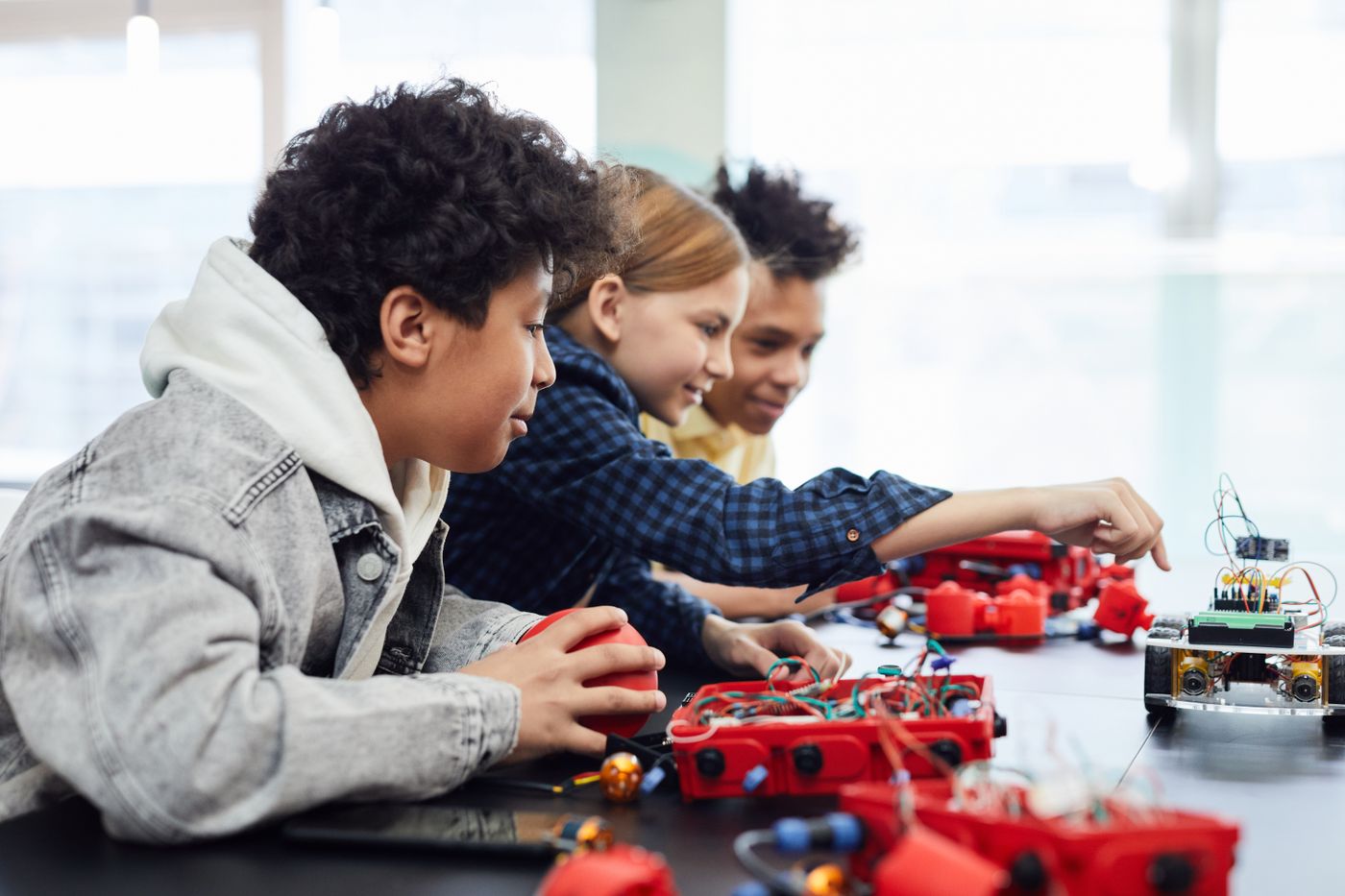
Maker Lab is a distinct applied programme stream. Learners can enter it without first completing the full programming route. They explore CAD, fabrication, electronics, mechanics, intelligent systems and product development — using programming where the thing they are building needs it.
Open the full Maker Lab programme with all five modules, programme progression, equipment, learner outcomes and Maker Enterprise pathway.
Turn a digital idea into a physical object — design it, prepare it, print it, inspect it and improve it.
NEXT MODULE →Move beyond 3D printing into laser cutting, engraving, materials, joints and assembled products.
NEXT MODULE →Build things that move, sense and respond using circuits, sensors, motors, servos and Raspberry Pi Pico.
NEXT MODULE →Combine structure, electronics, mechanisms and software into one working product — then test it with users.
NEXT MODULE →Take a suitable product toward a market test: customer need, cost, pricing, quality, packaging and feedback.
FROM PRODUCT → MARKET TEST ↗WHAT COULD THIS DEVELOP IN MY CHILD?
Learning different tools, techniques and methods gives a child options. They can identify a challenge, think logically, choose an approach, try it and discover that a different tool or method may solve the same problem in another way.

A safe experimental environment can develop curiosity, persistence and a sense of accomplishment. A failed attempt is not the end of the task; it becomes information. Change something, test again and experience the satisfaction of making an idea work.
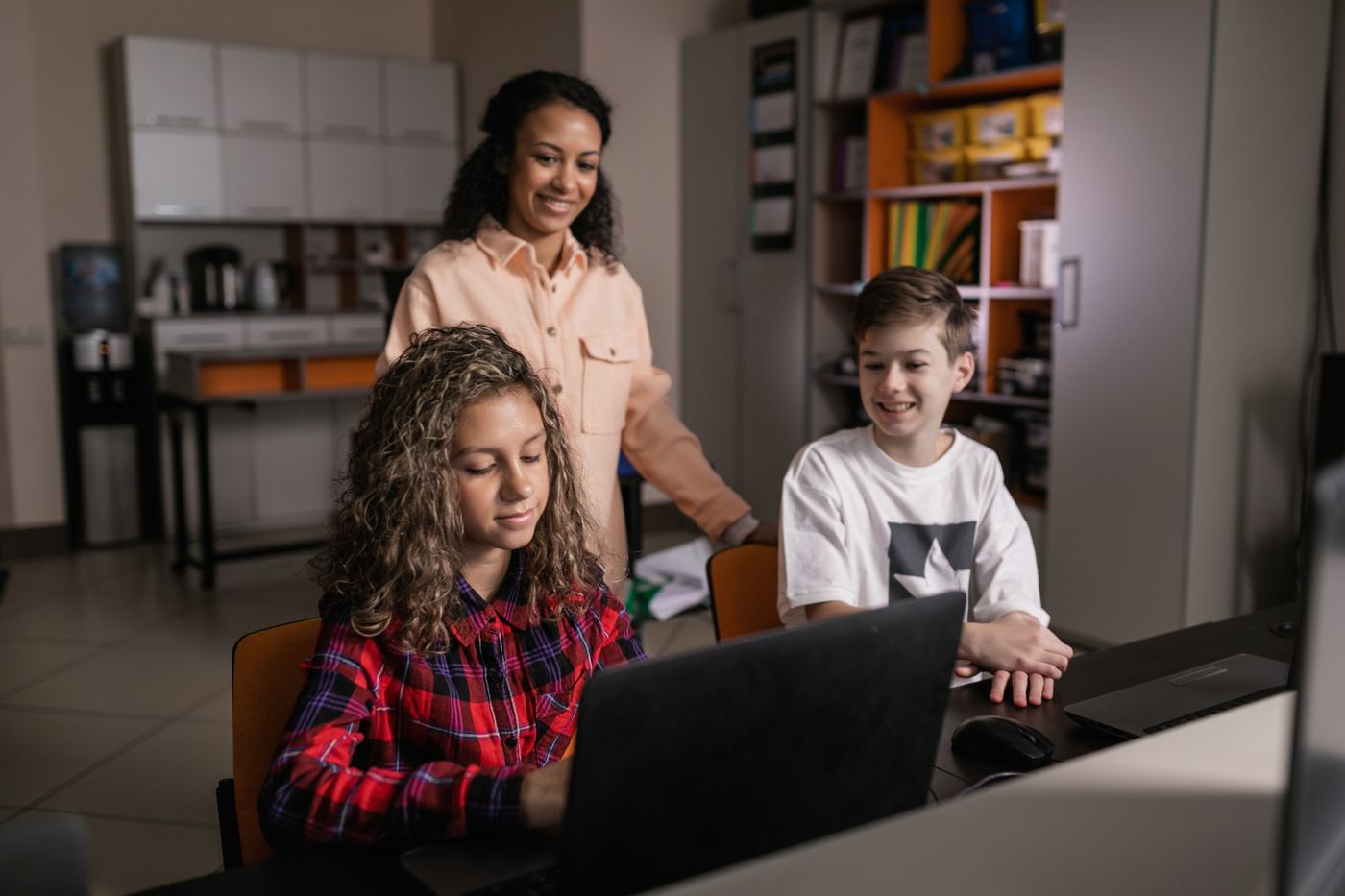
Creative problem solving, seeing more than one option, learning unfamiliar tools, collaborating with others, explaining an idea, testing a solution and improving it are capabilities that can travel into school, further study, careers, projects and everyday life.
THE SKILL IS BIGGER THAN THE TOOL
A language changes. Software changes. The deeper capability is learning how to explore a problem, choose from different tools, work with others, experiment, design, prototype, test and turn an idea into a finished solution.
Code it. Build it. Make it move. Design it differently. Try another way.
THE NEXT STEP IS A CONVERSATION
We would rather meet you and your child than reduce the decision to a price list. During a visit we can understand their interests and experience, show you the environment, recommend an appropriate pathway, and discuss class options, schedule, registration and fees.
Book a Visit →LEARNING GIVES THEM THE TOOLS. CREATING GIVES THOSE TOOLS A PURPOSE.